

Your Own VPN Server. No Middleman.

The trust problem with VPNs
Here's something the VPN industry doesn't love talking about: when you use a traditional VPN, you're not eliminating the middleman. You're choosing a different one.
Without a VPN, your ISP can see your traffic. With a VPN, your VPN provider can see your traffic instead. You've shifted trust, not removed it. For most people, that tradeoff is fine. If you're using a reputable VPN provider with an audited no-log policy, it can be a real improvement over an ISP that may be legally compelled to hand over your browsing history.
But what if you didn't have to trust anyone?
What is Lantern Private Server?
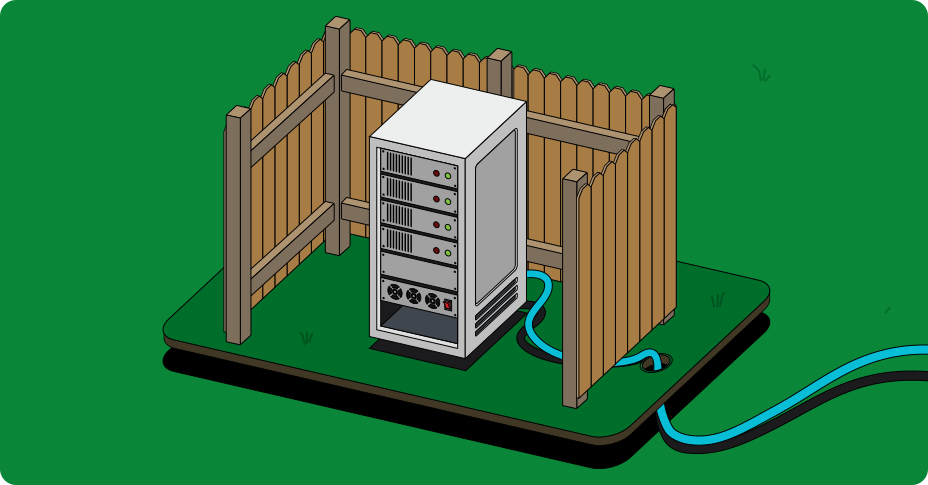
Lantern Private Server lets you run your own VPN server on infrastructure you control. Your traffic flows through a server you set up, on a cloud account you own, in a region you choose. No third party touches your data.
It's a free feature. Lantern doesn't charge anything for it. You pay only what your cloud provider charges for the server itself, typically a few dollars per month.
There are two ways to set it up, depending on how much control you want.
Why private servers matter for circumvention
If you're in a censored region, private servers solve a specific problem that centralized VPN services struggle with.
Large VPN providers run thousands of servers, but those servers live on well-known data center IP ranges. Censors maintain blocklists of these ranges and can shut down access to entire VPN networks in one move. During the 2022 protests in Iran, many circumvention tools were blocked within days1 as authorities targeted known VPN infrastructure.
A private server is different. It's a single server on a standard cloud provider, running on an IP address that isn't associated with any VPN company. Censors would have to identify and block it individually. That's much harder than blocking a known VPN network's IP ranges, and doing it at scale risks collateral damage to legitimate cloud services.
You can also share access with trusted friends and family. If someone you know is in a censored region, you can generate a secure link that gives them access to your server. More on that below.
Quick Setup: a few clicks in the Lantern app
This is the path for people who want the benefits of a private server without touching a terminal.
What you need: The Lantern app on any platform and a DigitalOcean account. That's it.
How it works:
- Open the Lantern app and navigate to Private Server setup.
- Connect your DigitalOcean account.
- Choose a server location. For example, if you're sharing access with someone in Iran, a server in a nearby uncensored country will give them better speeds than one on the other side of the world.
- Lantern handles the rest. It provisions the server, configures the protocols, and connects your app automatically.
Once it's running, you connect through the Lantern app just like you would with Lantern's regular network. You can also toggle back to Lantern's network anytime if your private server is down or you want access to a different region.
Sharing access is straightforward. Generate a link in the app and send it to someone you trust. Each share link is unique per user and timestamped, so they expire. This isn't open access. You decide who gets in.
Manual Setup: full control for technical users
If you want to run Lantern's server software on your own infrastructure, the Lantern Server Manager is open source and gives you complete visibility into what's running.
Deployment options
You can deploy the server manager in a few ways:
- Docker. Pull the image and run it in a container. This is the fastest path if you already have Docker on your server.
- Single binary. Download and run directly on a Linux machine. No container runtime needed.
- Cloud marketplace. Deploy through DigitalOcean, Google Cloud, or AWS marketplace listings for a more guided setup.
Any VPS provider will work. You're not locked into a specific cloud platform.
What happens at startup
When the server starts for the first time, it automatically generates random TLS certificates and access keys. You don't need to configure cryptographic material yourself unless you want to provide your own.
The server creates a "root" access key and stores it in a config file. This key is how you authenticate to manage the server. Keep it safe. If you lose this key, you'll need to start over with a fresh deployment. There's no recovery mechanism, by design. Nobody, including Lantern, has a backdoor to your server.
Managing your server
The server manager gives you three interfaces:
- Web UI. A browser-based dashboard for managing users and monitoring the server.
- Console UI. A terminal interface for the same management tasks.
- REST API. For scripting and automation. If you want to build your own tooling on top of the server, this is how.
Connecting clients
After setup, the server generates a QR code. Scan it with the Lantern app to connect. You can also generate share links through any of the management interfaces. Each link is unique to the recipient and has an expiration timestamp.
When to use a private server vs. Lantern's network
A private server isn't better in every situation. Here's a practical breakdown.
A private server makes more sense when:
- You want zero third-party involvement in your traffic.
- You're sharing access with specific people in censored regions and need an IP that isn't on any blocklist.
- You need a server in a specific geographic location for latency or legal reasons.
- You want full visibility into the server software and configuration.
Lantern's network makes more sense when:
- You need access to many server locations across different regions.
- You want Lantern's protocol diversity and automatic fallback when one protocol gets blocked. With 15+ years of experience in censorship circumvention, Lantern's network is optimized for exactly this.
- You don't want to manage infrastructure at all.
- Your private server's IP gets blocked and you need an immediate alternative.
The good news is you don't have to choose permanently. The Lantern app lets you toggle between your private server and the Lantern network whenever you want.
Get started
Quick setup: Download Lantern and look for Private Server in the app settings. You'll need a DigitalOcean account to get started.
Manual setup: Head to the Lantern Server Manager repo on GitHub for documentation, deployment instructions, and the source code. Everything is open source.
If you run into issues, check our support documentation or reach out to the Lantern team.
Footnotes
- "Iran Shuts Down Internet Access as Mahsa Amini Protests Intensify," NetBlocks, September 2022. Multiple circumvention tools reported widespread blocking as Iranian authorities expanded Deep Packet Inspection (DPI) filtering during the nationwide protests. ↩